01October
Paper returns close.
The first "is mine in?" wave — and the first switchers, as late filers discover their accountant isn't picking up.
Call pressure
Building
Phone and WhatsApp receptionists that take the front-desk work off your team, then hand every enquiry over with the brief already written. Live in seven days.
Personalised for ·
Every one of them is a client who needed something that week — and most of them rang somebody to get it.
HMRC, 3 February 2026A lot of them are typing "accountant near me" right now. The first practice that actually answers the phone wins them.
HMRC estimate, 3 February 2026A receptionist that never clocks off, hands everything to your team, and never gives advice.
Choose the voice, the name and the manner. We set it up on your practice, so every caller gets the welcome your best receptionist would give.
Tells callers the call is recorded, says it's AI if asked, and never gives tax, accounting or legal advice. It takes the details and arranges for your team to advise.
A photo of an HMRC letter at ten to eleven on a Sunday. One familiar place, at any hour.
It acknowledges, asks the one question that matters, and sets an honest expectation.
A written brief lands in the shared inbox: who, what, how urgent, which team. Nothing lost in someone's personal phone.
Callbacks, deadlines, documents outstanding. Approved templates only, and STOP works instantly.
The first thing every practice owner asks is "what do we have to change?" Almost nothing. MotionFlow sits in front of the phones you already have and hands the work into the tools you already use.






Logos belong to their owners and are shown for scoping only. Connections depend on access, versions and permissions and are confirmed with you before anything is built. No vendor partnership is implied.
While your team slept, the receptionists worked. At 08:00 the partners get one email: what came in, what's booked, and what needs a human today. Nothing to log in to.
Three sliders. Your practice. Every assumption is written underneath.
Assumes 6 in 10 missed callers don't ring back, and you'd win about 1 in 3 enquiries. Illustrative only; your proposal uses your real call data.
Get your practice's real figures →The first "is mine in?" wave — and the first switchers, as late filers discover their accountant isn't picking up.
A quiet month on paper. In reality: holiday cover, a thin team, and clients who want to know what they owe before January.
475,722 returns filed on 31 January 2026; 27,456 in the final hour. Every one of them is a phone call your team can't take.
From 6 April 2027, Making Tax Digital reaches qualifying income over £30,000. New enquiries spike; clients ring to ask what it means.
Payroll clients, same week, same question. Short, repetitive calls that eat an afternoon.
Then the first MTD quarterly update lands in August. The year never quite resets — and neither do the calls.
Dates from GOV.UK and HMRC as of October 2026. Not tax advice; verify for your clients' circumstances.

We map your phone setup, software, teams and handover rules. We agree what the receptionists may say — and what they never say.
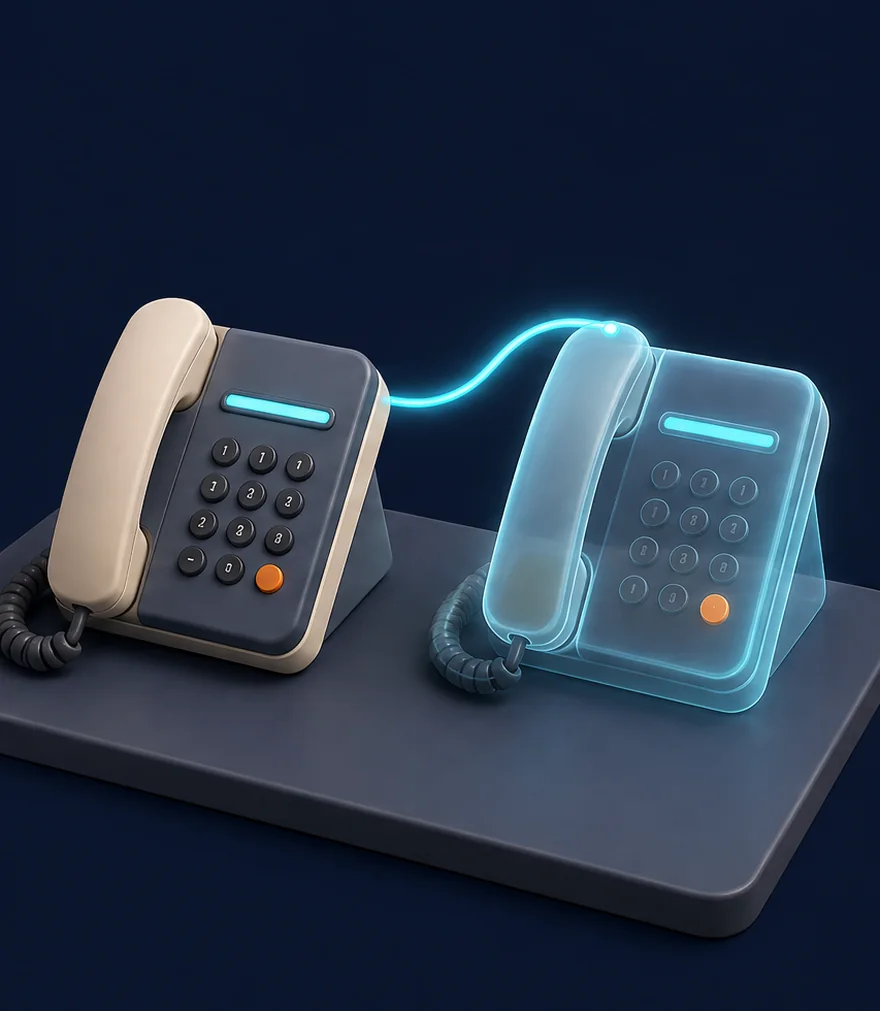
The receptionists run alongside your team on real scenarios. Every brief is reviewed. Scripts are tuned to how your practice actually speaks.

Overflow and out-of-hours go live on your existing number. Your team keeps the off-switch and sees every enquiry in the 8am digest.
See if it works before you pay a penny. No migration, no new number, no training week. The trial runs on overflow and out-of-hours calls, under a data processing agreement signed before day one.
Start your 7 days →
Ask and they'll tell you. Callers hear that the call is recorded. No pretending to be a person.

Tax, accounting, financial or legal questions go to a qualified person at your practice. The receptionist takes the details and arranges it.

Documents through your portal, not the chat. Processed in line with UK GDPR under a data processing agreement with you.
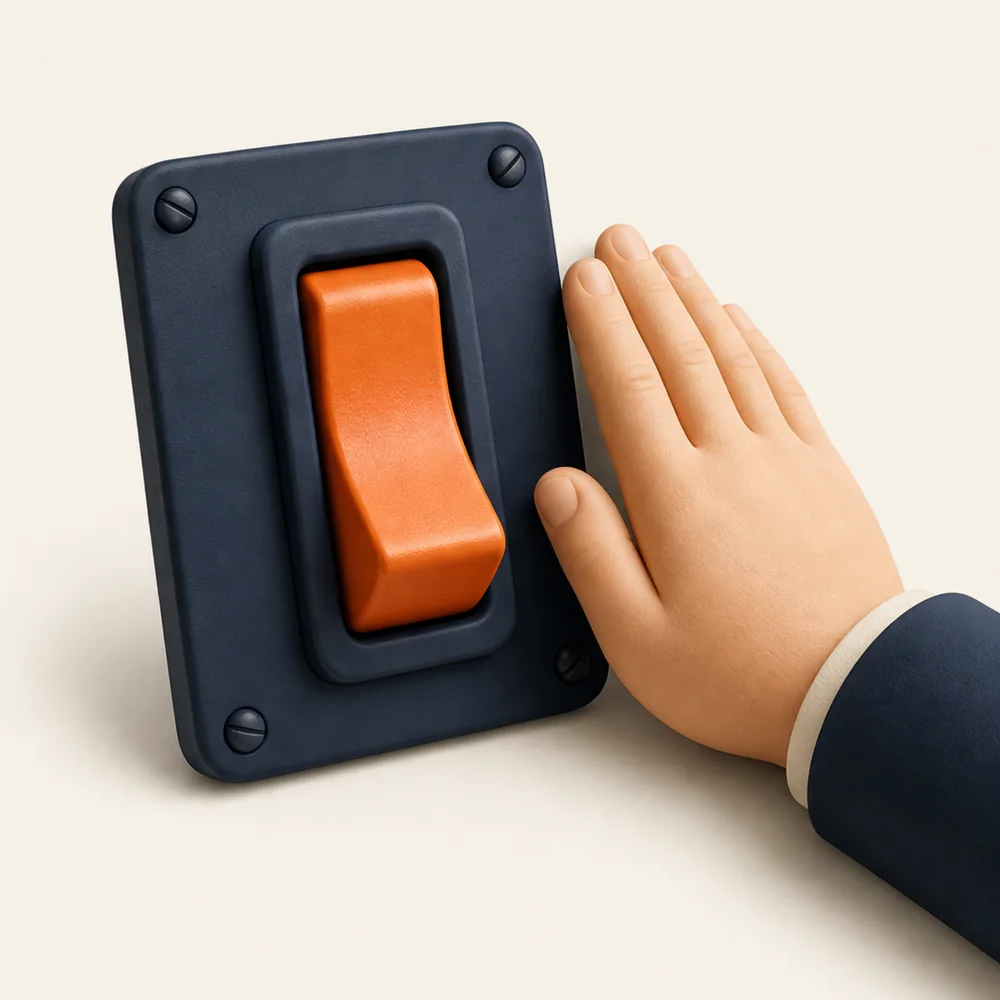
Pause a line, change a script, pull a receptionist — your call, same day. A safety net for your front desk, not a compliance guarantee.
Updated
A phone and WhatsApp assistant that answers your practice's calls and messages in your name, 24 hours a day. It finds out who's calling and what they need, books consultations into your diary and hands your team a written brief. It runs the front desk; your accountants still give the advice.
Yes, whenever they ask. The receptionist says plainly that it's an AI receptionist, tells callers that calls are recorded, and passes anything sensitive or outside its brief to a person at your practice. You choose the greeting, the voice and exactly what it can and can't say.
No. They handle administrative enquiries only: who is calling, what they need, when they're free, and which team should pick it up. Tax, accounting, financial and legal questions are passed to a qualified member of your practice — the receptionist says so plainly and arranges the callback.
Usually, yes. Most practices start with overflow or out-of-hours on their existing number — nothing changes for callers. We map your phone setup and software before anything is built, then confirm exactly what connects and how. If something can't connect on your plan, we tell you before you sign.
Yes, where the client has opted in. Reminders use approved templates and your messaging rules — deadlines, documents outstanding, appointment confirmations. Clients can reply STOP at any time and it takes effect immediately.
Documents always go through your approved client portal, never through WhatsApp or the call. If a caller starts to read out bank details, the receptionist stops them and sends the secure link instead. Callbacks and transfers follow the handover rules we agree with you, and anything sensitive goes straight to a person.
Days one and two we listen and map your practice. Days three to five the receptionists run alongside your team on real scenarios and every brief is reviewed. Days six and seven overflow and out-of-hours go live on your number, with the 8am digest showing your team everything that came in. The first seven days are free, and you keep the off-switch throughout.
It depends on your call volumes and what you want covered, so MotionFlow scopes it on a 30-minute call rather than publishing a price list. The first seven days on your own number are free, and you keep the off-switch throughout.
In line with UK GDPR. Callers are told calls are recorded, the receptionist never takes UTRs, National Insurance numbers, bank details or passwords, and suppliers that process personal data are covered by data processing agreements. MotionFlow is a safety net for your front desk; compliance decisions stay with your practice.
Yes. It takes many calls at once, so clients aren't left on an engaged tone or voicemail on deadline day, evenings included. Routine questions get answered, new enquiries get booked, and your team gets an 8am digest of everything that came in overnight.
Bring your current phone setup and the software you run. We'll map one practical starting point and have you live within seven days — free for the first seven.
Overflow and out-of-hours on your existing line, answered by a receptionist who knows your practice. First 7 days free. Switch it off whenever you like.