For UK care homes

A calm first response.
More time for your residents.

Round the clock

Phone and WhatsApp receptionists for care homes. Welcome family enquiries, capture visit requests and give your team a clear next step, while your people stay focused on residents.

Try WhatsApp Start your 7 days
Built & supported in the UK ICO registered · ZC214289 Your team stays in control
08:12
M
Margaret · Willowbrook HouseAnswered in 2 seconds
Willowbrook House, Margaret speaking. Are you enquiring about care, arranging a visit, or trying to reach the team?
We are exploring residential care for Mum. Could we look around?
Of course. Which day would suit a visit, and when is a good time for the manager to call?
Saturday would suit us. A call on Monday morning would be helpful.
Family enquiry · brief ready
Illustrative enquiry journey
Call answeredFollowed up on WhatsAppMonday, 08:12
The moments your home knows

Two missed moments.
One familiar problem.

Monday · 09:30
The phone rings.
Your desk is already busy.

Your team is welcoming visitors and helping residents. The manager is in a meeting when another family rings. An unhurried enquiry deserves more than a rushed note between other tasks.

Sunday · 22:47
A family enquiry.
After the office has closed.

A family has finally found time to talk about care on Sunday evening. A warm first response captures what they want to discuss and when a call would suit, ready for your team.

That's the front desk this is built for
Calls picked up. Home manager briefed.

A warm first response for families, a useful enquiry brief for admissions and an agreed route to the duty team. Assessments, care decisions and admissions stay with your people.
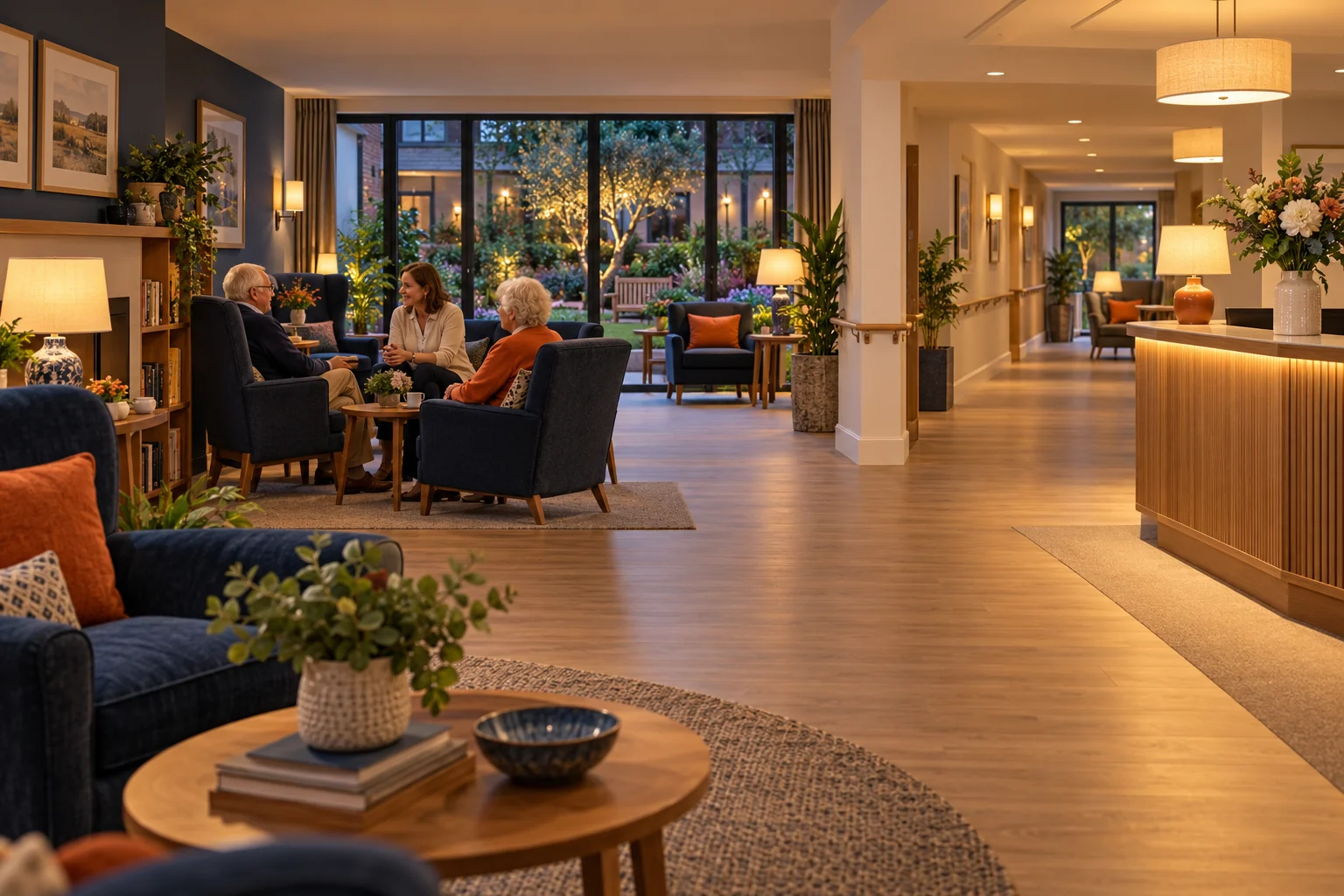
Illustrative British care-home reception and homely lounge with comfortable chairs, accessible corridors and people talking together
More time with the people who call your home their home. A thoughtful welcome for the next family.Illustrative care home
Your receptionist

Your front desk,
run like your best person runs it.

Choose the voice, the name and the manner. We tune it to your home, so every caller gets the welcome your best receptionist would give.

  1. Choose the voiceBritish voices, warm to formal. Name it whatever suits your home.
  2. Teach it your homeYour services, hours, who handles what, and how you like things said.
  3. Set the rulesWhat it never says, when it hands over, and who gets the brief.
Talk or type · about two minutesExplore the family enquiry workflows

An honest answer whenever a caller asks whether it is AI, agreed recording notices and a clear handover. Care assessments, fees, funding and admissions stay with your home’s authorised team. Personal resident information is never disclosed by the receptionist.

WhatsApp, 24/7

Families already use WhatsApp.
Give them a thoughtful first response.

Sunday · 22:47
01

Families message in their own time

An enquiry after a family conversation on Sunday evening. A visit request after work. One familiar place to ask about the next step.

02

Replied in seconds

It acknowledges, asks the one question that matters, and sets an honest expectation.

03

Your team takes over

A written brief lands in the shared inbox: who, what, how urgent, which team. Nothing lost in someone's personal phone.

04

Opted-in families get reminders

Visit reminders, directions, manager callbacks and agreed enquiry follow-ups. Messages use the permissions, templates and opt-out handling you approve.

Family enquiries use only the details agreed for your admissions workflow. Resident updates and health or safeguarding concerns go to the authorised team through your approved route.
Your systems, connected

Fits around how your home works.
Nothing to rip out.

Keep your existing number, enquiry CRM and visit diary. We map family enquiries, tours, admissions follow-up and duty-team handovers before agreeing any connections.

What doesn't change
  • Your phone number. Callers dial what they've always dialled.
  • Your enquiry CRM. We hand into it; we don't replace it.
  • Who makes the care decisions. Your authorised care team — always.
  • Where resident records live. Your care systems and approved tools, with agreed access and data handling.
What does
  • A first response — during busy visiting times, evenings and weekends.
  • Enquiries arrive as briefs, not voicemails to decode.
  • Visit requests reach the diary through the workflow you approve.
  • You see everything that happened, at 8am, in one email.
01Where enquiries arrive
Your existing phone numberNothing changes for callers. Overflow and out-of-hours simply route to the front desk.
WhatsAppYour home number, or one we provide. Family enquiries, visit requests and agreed admissions follow-ups.
Google Business Profile & websiteCalls from your listing and enquiries from your website follow the agreed intake route.
02What the front desk does
MotionFlow front desk24/7
1
Answers promptlyOverflow calls and messages, while your team is with residents or after the office closes.
2
Works out who's callingNew family enquiry, visiting relative or professional contact — with a short message and the next action captured.
3
Books, routes or flagsVisit request to admissions. Routine question to the home manager. Urgent concern to the duty contact through your approved route.
4
Writes the briefWho, what, when, which team — ready before your people pick up.
03Where it lands — your tools
Microsoft 365Google Workspace
Your diaryHome visits and manager callbacks use the staff availability and visit rules you approve. We assess your CRM diary, Microsoft 365 or Google Workspace where used.
CRM
Your enquiry CRM & care toolsCareHQ, HubSpot or Salesforce where used for enquiries. Person Centred Software and Nourish are care-record platforms: any administrative handover is scoped separately, with minimum fields and approved permissions.
TEAM
Admissions, manager & duty teamFamily enquiries, visit requests, admissions callbacks and messages for the duty team — assigned to the person who should own the next action.
The 8am digestA concise manager handover: new family enquiries, visit requests and callbacks, with the right enquiry record linked where supported.

Choose your system to scope family enquiries, home visits and administrative handovers.

Discuss my home’s setup
Before anything connects, we check:software edition
API access on your plan
calendar permissions
approved data fields
who owns which workflow

Genuine vendor logos are shown for scoping. Enquiry CRMs and care-record platforms serve different roles; each connection is assessed separately. Connections depend on access, versions and permissions and are confirmed with you before anything is built. No vendor partnership is implied.

Every morning at 8

Every enquiry tracked.
One email, before the first coffee.

At 08:00, your manager sees the overnight picture: new family enquiries, visit requests and the follow-ups your team needs to make. Urgent concerns follow the duty route when raised.

  • Overnight, in one lineCalls, WhatsApps, family enquiries and visit requests — clearly summarised.
  • Flagged by urgencyUnconfirmed visits and outstanding callbacks clearly marked. Urgent or safeguarding concerns follow the approved human route rather than waiting for the morning digest.
  • Every request linkedCaller contact, home location, a short enquiry and the next action — routed to admissions or the authorised team.
Front desk digest — Monday · illustrative exampleSent 08:00
MFMotionFlow → the home manager, Willowbrook House · overnight 18:00–08:00
0
Calls
0
WhatsApps
0
New enquiries
0
Visit requests
Overnight activity · 20 contacts · 18:00 → 08:00
22:47 family enquiry 07:30 the rush
18202200020405060708
Needs a human today
New enquiry. Jordan is exploring residential care for a parent. Manager callback requested for Monday 09:00.
Callback. Priya and her brother would like a Saturday visit — admissions to confirm availability.
Routed. Two visit requests and a brochure enquiry — admissions briefs ready for follow-up.
Quiet. An existing relative has requested a call. Message routed to the authorised team; no resident information disclosed.
Illustrative digest for a fictional home.
The numbers

More time for families.
Less routine administration.

Explore the routine enquiry time your front desk handles. Use your own volumes and timings.

0
illustrative hours a month
0
illustrative hours a year

Illustrative only: enquiries × coverage × intake minutes. Excludes follow-up, reviews and system costs. Your team still owns every handover; this is not a staffing forecast.

Get your home's real figures →
The family enquiry journey

The calls your home knows.
A thoughtful way to handle them.

01 / 06
01Family enquiries

A warm welcome, with the next step clear.

Capture who is calling, their broad enquiry, the home they are interested in and when a conversation would suit. Detailed assessments belong with your authorised team.

Workflow
Admissions
02Home visits

A thoughtful first look around.

Note preferred visit times and who will attend. Confirm a tour only through approved availability; otherwise hand the request to admissions to arrange.

Workflow
Visits
03Admissions follow-up

Keep the conversation moving gently.

Send agreed information and follow up at the family’s preferred time. Questions about suitability, fees, funding and next steps go to the home’s authorised team.

Workflow
Follow-up
04Existing relatives

The right person, already briefed.

Capture a callback request and route it through the home’s identity-check and privacy process. The assistant never confirms residency or shares personal updates.

Workflow
Privacy
05Urgent handovers

Get the authorised team involved.

Follow your approved duty-team or safeguarding route without holding the message for an ordinary callback. Care decisions and incident handling remain with responsible people.

Workflow
Duty team
06Professional contacts

Route the message to its owner.

Capture routine professional, supplier and recruitment enquiries, then direct them to the right home or department. Private records use your approved secure channels.

Workflow
Home team

Illustrative administrative workflows. Assessments, admissions, privacy checks and duty-team routes are agreed with your home before launch.
A controlled start

Ready for your home.
First 7 days free.

01 / 04
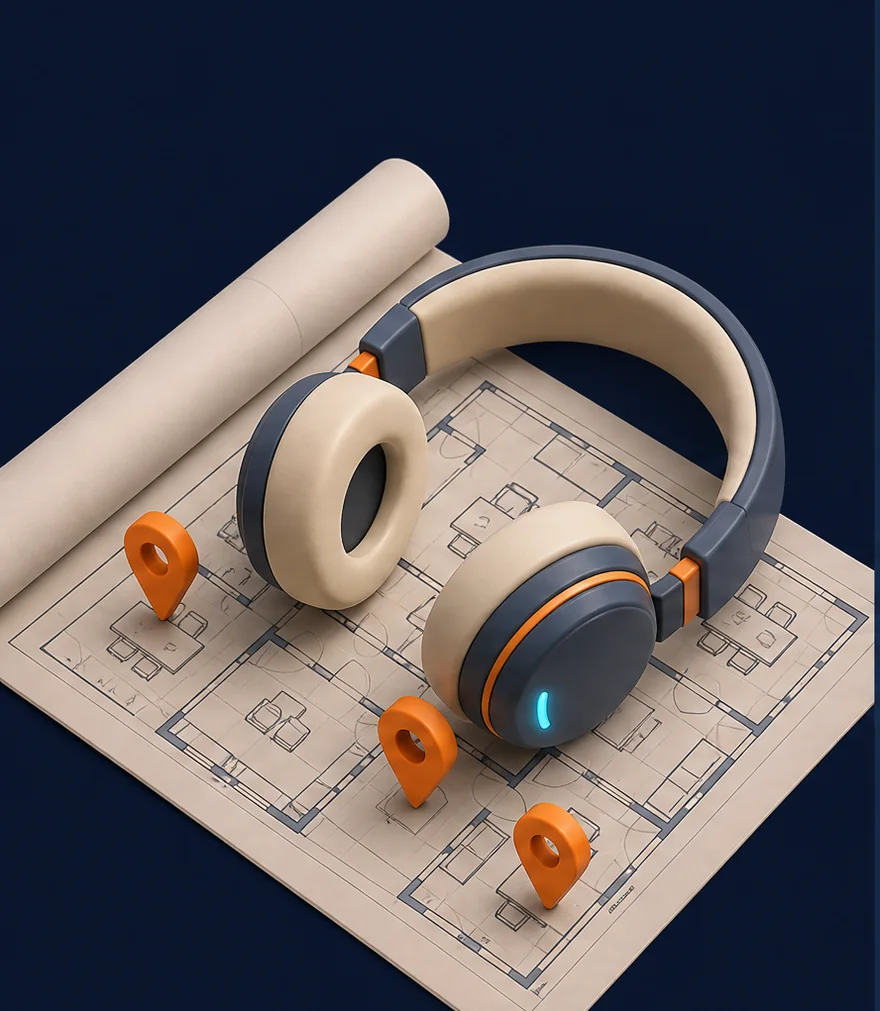
Illustration: headphones on an office floor plan with location pins
Days 1–2

Listen

We map your phone setup, software, teams and handover rules. We agree what the receptionists may say — and what they never say.
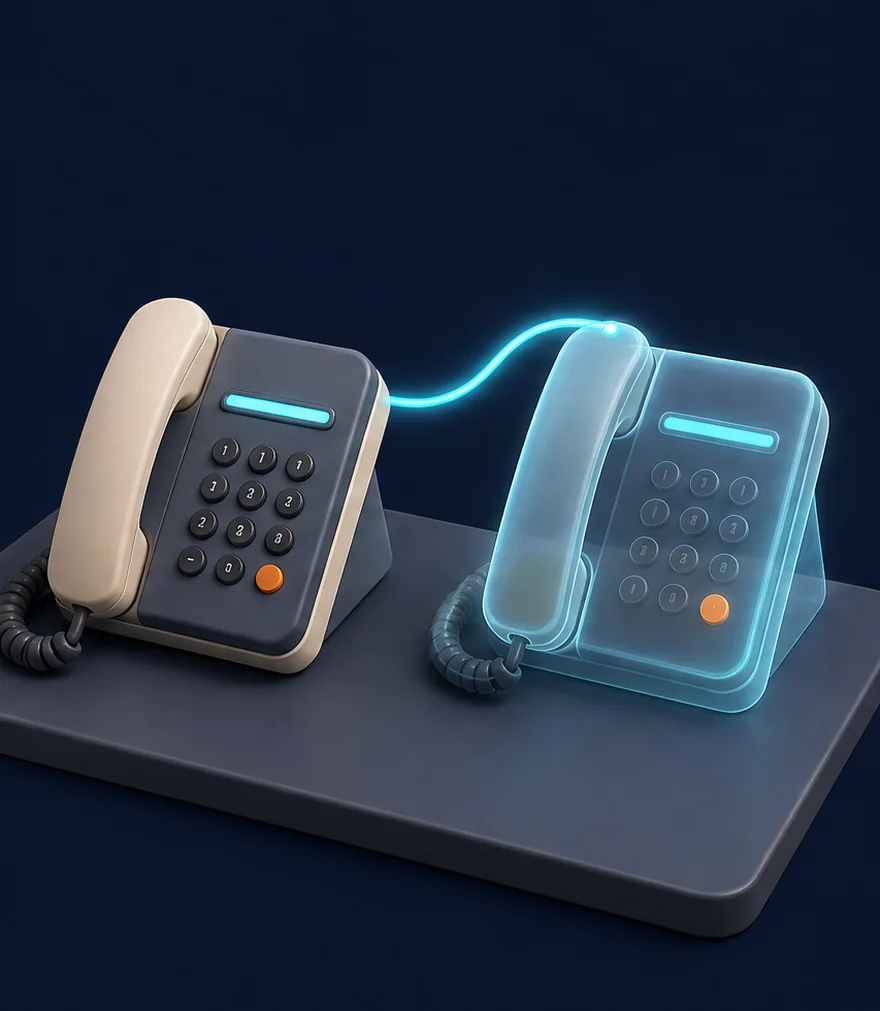
Illustration: two desk phones side by side, one a glowing shadow copy
Days 3–5

Shadow

The receptionists run alongside your team on real scenarios. Every brief is reviewed. Scripts are tuned to how your home actually speaks.

Illustration: a phone handset lifted off its cradle with a glowing ring, night window behind
Days 6–7

Live

Once your team approves the pilot, overflow and out-of-hours can go live on your number. You keep the off-switch and review every handover.

7 days
free

Try the agreed workflow before expanding it. We confirm scope, access and trial terms first. Start with overflow or out-of-hours under agreed data processing terms, once your team signs off.

Start your 7 days →
Your standards, always

Your team. Your rules.
Always in control.

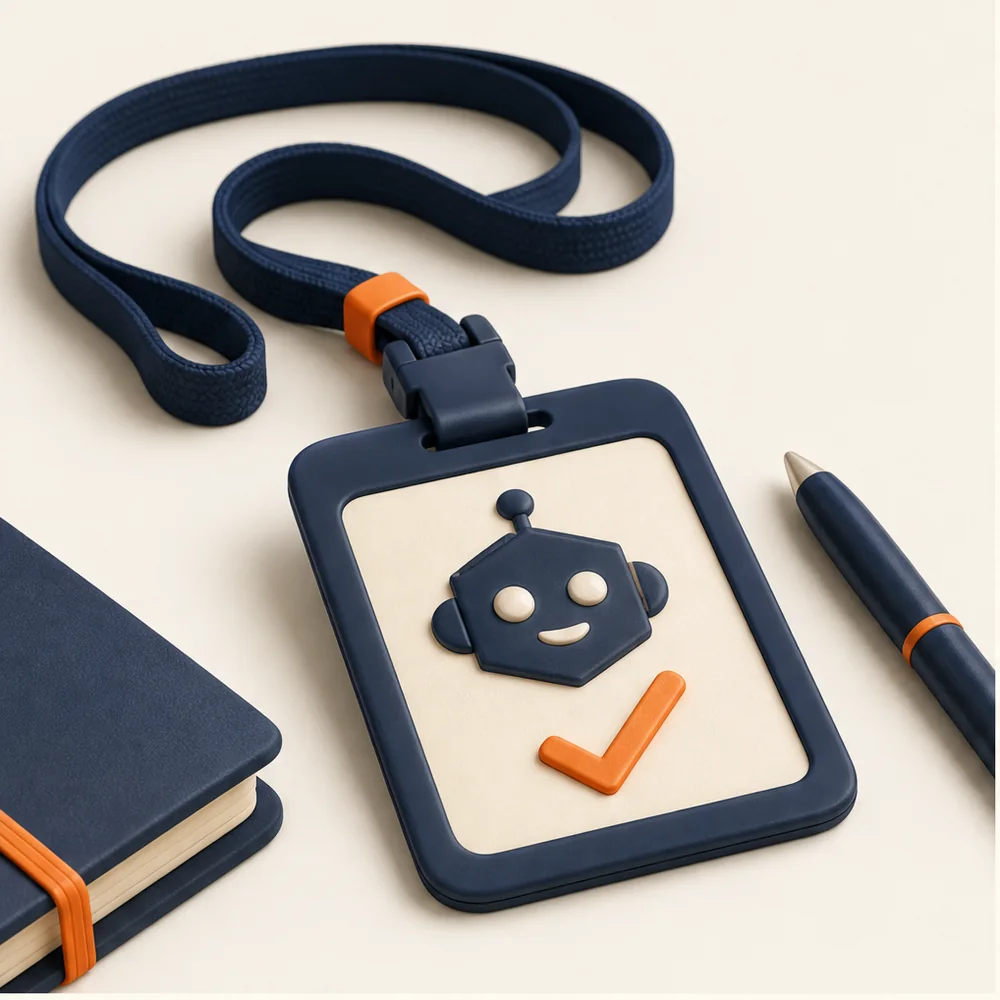
Illustration: a name badge on a lanyard with a robot emblem and a tick

Honest about being AI

Ask and it will always tell you it is AI, with a clear recording notice where recording is used. Your home agrees the greeting and handover rules.

Illustration: a folder being handed from one person to another, a shield beside it

Never gives advice

Care suitability, assessments, fees, funding and admission decisions stay with your authorised team. The receptionist captures the enquiry and follows the agreed handover rules.

Illustration: a small vault with document folders inside and a padlock

Resident records stay in your systems

Resident records use your approved care systems. We agree minimum enquiry fields, access, retention and processor terms before the pilot. Family enquiries do not need a clinical record.
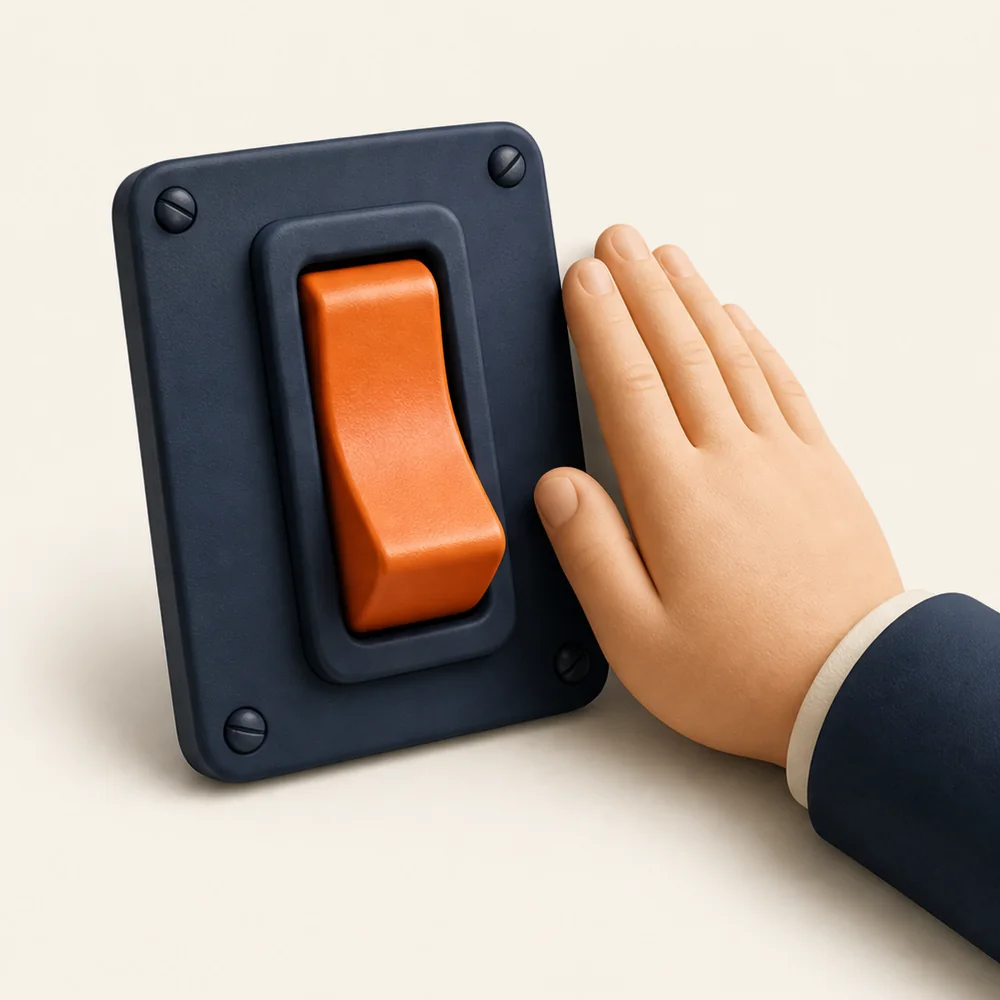
Illustration: a large orange toggle switch with a hand resting beside it

You hold the off-switch

Pause a line, change a script, pull a receptionist — your call, same day. A safety net for your front desk, not a compliance guarantee.

Before you start

A few sensible questions.

Updated

Let's map your home

Give the next enquiry
a better first impression.

Bring your current phone setup and the software you run. We'll map one practical starting point, confirm your software and agree the checks for a controlled seven-day trial.

Start your free 7 days

Your contact details and optional CRM or care-system choice. MotionFlow rings you within one working day to book a 30-minute set-up call.

What's the biggest headache?
A few details. No spam, ever. Processed in line with UK GDPR.

Got it. We'll ring you.

Within one working day, on the number you gave. If you'd rather not wait, message MotionFlow on WhatsApp now.

Seven days. Your number.

See what your front desk
has been missing.

Overflow and out-of-hours on your existing line, answered by a receptionist who knows your home. First 7 days free. Switch it off whenever you like.

7days to try it
£0for the first week
24/7evenings and weekends
UKbuilt and supported
Your personalised demo

Hear your home's receptionist

Enter your home name, then try an illustrative conversation with Margaret. No real booking is made.

For care-home teams exploring MotionFlow. Use fictional family details. Entering a home name updates this demo only; it does not submit a sales enquiry. Privacy notice.

Live demonstration · Willowbrook House

Talk to Margaret

Try a family enquiry or a request to visit the home. Margaret is an AI demonstration; use fictional details. No real visit or admission is created.

Before we connect you

Starting the call loads the ElevenLabs voice widget, which uses your microphone (only during the call) and sets a cookie. Conversations may be reviewed to improve the service. Use fictional details. This demo does not give care, medical or funding advice, or make real bookings. It is not an emergency or safeguarding reporting service; contact the home directly about a real concern.

Call started. Speak when you hear them.
Connecting…

Your browser may ask to use your microphone. Tap Allow.

A demonstration by MotionFlow for a fictional home. Conversations may be recorded.