





For UK optical practices

Your patients, in focus.
Your enquiries, answered.

Round the clock

Phone and WhatsApp receptionists for independent opticians. Capture routine appointment requests, welcome collection enquiries and brief your team, while your optical professionals focus on patients.

Try WhatsApp Start your 7 days
Built & supported in the UK ICO registered · ZC214289 Your team stays in control
08:12
O
Olivia · Ash & Vale OpticiansIllustrative AI response
Ash & Vale Opticians, Olivia, your AI receptionist. Is this a routine appointment request, or would you like to speak to the team?
Could I arrange a routine eye test?
The practice team can confirm the appointment type and availability. When would a callback suit?
A call on Monday morning would be helpful.
Appointment request · brief ready
Illustrative enquiry journey
Call answeredFollowed up on WhatsAppMonday, 08:12
The moments your practice knows

Two missed moments.
One familiar problem.

Monday · 09:30
The phone rings.
Your desk is already busy.

Your team is helping someone choose frames. The optometrist is in an examination when the phone rings again. A routine appointment enquiry still needs a helpful next step.

Sunday · 22:47
A routine enquiry.
After the practice has closed.

Someone has finally found time to request a routine sight test on Sunday evening. A useful first response captures their preferred day and callback time. Eye-health or urgent concerns follow the approved immediate human route.

That's the front desk this is built for
Calls picked up. Practice team briefed.

A useful first response for routine requests and a clear handover to your practice. Examinations, prescriptions, clinical recall intervals and referrals stay with your optical professionals.

Illustrative British independent opticians with an oak dispensing counter, spectacle frame displays and an accessible waiting area
More attention in practice. A clear next step for the person on the phone.Illustrative independent opticians
Your receptionist

Your front desk,
run like your best person runs it.

Choose the voice, the name and the manner. We tune it to your practice, so every caller gets the welcome your best receptionist would give.

  1. Choose the voiceBritish voices, warm to formal. Name it whatever suits your practice.
  2. Teach it your practiceYour appointment types, opening hours, approved recall messages and optical-team handover routes.
  3. Set the rulesWhat it never says, when it hands over, and who gets the brief.
Talk or type · about two minutesExplore the optical practice workflows

An honest answer whenever a caller asks whether it is AI, agreed recording notices and a clear handover. Eye-health advice, examination, prescribing, clinical recall intervals and NHS eligibility stay with authorised professionals. Collection status needs verified data and approved identity checks.

WhatsApp, 24/7

Patients already use WhatsApp.
Give routine enquiries a clear next step.

Sunday · 22:47
01

Routine enquiries, in their own time

A routine sight-test request after work. A question about collection arrangements. An administrative starting point, with a human route for eye-health concerns.

02

Replied in seconds

It acknowledges, asks the one question that matters, and sets an honest expectation.

03

Your team takes over

A written brief lands in the shared inbox: who, the administrative request, which team and the next action. Nothing lost in someone's personal phone.

04

Agreed reminders, without extra detail

Practice-approved recall reminders, directions and routine callbacks. Clinical recall dates come from your team; prescriptions and health details use approved secure channels. Messages use the permissions, templates and opt-out handling you approve.

Keep messages administrative and minimise personal information. Eye-health concerns go to the authorised optical team; urgent help is never held for a routine callback. Public demos use fictional details only.
Your systems, connected

Fits around how your practice works.
Nothing to rip out.

Keep your existing number and optical practice software. We map sight-test requests, dispensing-team callbacks and approved recalls before assessing supplier access, permissions and any NHS assurance requirements.

What doesn't change
  • Your phone number. Callers dial what they've always dialled.
  • Your optical practice system. Any administrative connection is agreed with its supplier.
  • Who makes the clinical decisions. Your optical professionals — always.
  • Where patient records live. Your PMS and approved clinical systems, with agreed access and data handling.
What does
  • A first response — during busy dispensing periods and after closing.
  • Enquiries arrive as briefs, not voicemails to decode.
  • Appointment requests reach the diary through the workflow you approve.
  • You see everything that happened, at 8am, in one email.
01Where enquiries arrive
Your existing phone numberNothing changes for callers. Overflow and out-of-hours simply route to the front desk.
WhatsAppYour practice number, or one we provide. Routine appointment requests, collection enquiries and practice-approved recall follow-ups.
Google Business Profile & websiteCalls from your listing and enquiries from your website follow the agreed intake route.
02What the front desk does
MotionFlow front desk24/7
1
Answers promptlyOverflow calls and messages, while your team is dispensing or examining a patient.
2
Captures the routine requestA routine request or service enquiry — with a short administrative message and the next action captured.
3
Captures, routes or flagsRoutine request to reception. Collection enquiry to the dispensing team. Eye-health concern to the approved immediate human route and fallback.
4
Writes the briefWho, what, when, which team — ready before your people pick up.
03Where it lands — your tools
Microsoft 365Google Workspace
Your diaryRoutine appointments and team callbacks use approved appointment types, staff and branch availability. We assess your PMS diary, Microsoft 365 or Google Workspace where used; requests remain unconfirmed until accepted.
PMS
Your optical PMS & patient communicationsOptix, Acuitas 3, Optisoft.NET, Optinet NOVA / FLEX, XEYEX and i-Clarity support optical practices. Each connection needs a confirmed edition, supplier permissions and an approved data flow.
TEAM
Reception, dispensing & optometristRoutine bookings reach reception, collection enquiries reach dispensing and clinical questions follow the optometrist handover rules, with an agreed fallback when unavailable.
The 8am digestA concise routine-enquiry handover in your approved inbox. Use minimal detail and secure links where supported; urgent concerns never wait for the digest.

Choose your PMS to scope routine appointments, recalls, supplier access and team handovers.

Discuss my practice’s setup
Before anything connects, we check:software edition
supplier access & assurance
identity & access checks
minimum approved fields
optical-team handover & fallback

Genuine vendor logos identify optical practice systems for scoping. Your software edition, diary rules, recall settings and supplier permissions are checked separately. No live connector, NHS claim access or vendor partnership is implied. Microsoft 365 and Google Workspace, shown above, are calendar and email tools.

Every morning at 8

Every enquiry tracked.
One email, before the first coffee.

At your agreed opening time, your team sees routine enquiries, appointment requests and callbacks in one place. Clinical and urgent concerns follow the immediate handover route when raised.

  • Overnight, in one lineRoutine calls, WhatsApps, appointment requests and callbacks — clearly summarised.
  • Outstanding actions, clearly markedService availability and callbacks stay unconfirmed until your team accepts them. Urgent concerns are never parked in a morning email.
  • Every request linkedMinimum enquiry details and the next action — routed through approved channels to your practice team. Sensitive records stay in authorised systems.
Front desk digest — Monday · illustrative exampleSent 08:00
MFMotionFlow → the practice team, Ash & Vale Opticians · overnight 18:00–08:00
0
Calls
0
WhatsApps
0
New enquiries
0
Appointment requests
Overnight activity · 20 contacts · 18:00 → 08:00
22:47 service enquiry 07:30 the rush
18202200020405060708
Needs a human today
New enquiry. Jordan has requested a routine sight test. Reception callback requested; appointment not confirmed.
Callback. Priya would like to arrange spectacle collection — dispensing to confirm the arrangements.
Routed. Two opening-hours questions — approved information shared, with no clinical advice.
Quiet. A contact-lens appointment enquiry is with reception for review. No clinical advice or appointment confirmed.
Illustrative digest for a fictional opticians.
The numbers

More time with patients.
Less routine administration.

Explore the routine enquiry time your front desk handles. Use your own volumes and timings.

0
illustrative hours a month
0
illustrative hours a year

Illustrative only: enquiries × coverage × intake minutes. Excludes follow-up, reviews and system costs. Your team still owns every handover; this is not a staffing forecast.

Explore your practice’s figures →
The optical practice journey

The calls your practice knows.
A clear next step for each.

01 / 06
01Routine sight tests

A request captured. A suitable slot confirmed.

Capture the preferred branch, day and callback time. Confirm only through approved availability and appointment rules; the practice decides the correct examination and any NHS funding eligibility.

Workflow
Reception

02Contact-lens appointments

The right appointment, arranged by your team.

Capture a routine fitting or aftercare appointment request. Clinical suitability, fitting, prescriptions, wear advice and supply stay with qualified professionals. Eye-health concerns follow the immediate human route.

Workflow
Optical team
03Spectacle collections

Keep the dispensing team clearly briefed.

Capture a collection or adjustment enquiry. Readiness and timings need verified information and approved identity checks. The assistant never invents order status, a finished prescription or a delivery promise.

Workflow
Dispensing
04Approved recalls

Your clinical schedule. A clearer reminder.

Use recall dates and appointment types already approved by your practice. Agree message content, channel, permissions and opt-outs. The assistant never chooses a clinical interval or turns a service recall into marketing.

Workflow
Practice rules
05NHS & service enquiries

Clear information. Eligibility checked by staff.

Share only practice-approved service information. NHS funding, vouchers and urgent-eye services vary by nation and locality. The team confirms eligibility; the assistant cannot sign eGOS claims or create a referral.

Workflow
Local checks
06Eye-health handovers

Eye concerns need a professional response.

Do not diagnose, interpret results or offer clinical reassurance. Use the approved immediate professional route and urgent fallback. Sudden vision loss or sudden severe eye pain must never wait for routine intake.

Workflow
Immediate route

Illustrative administrative workflows. Clinical decisions stay with optical professionals; local NHS services, urgent routes and required assurance are agreed before live use.

A controlled start

Ready for your practice.
First 7 days free.

01 / 04
Illustration: headphones on an office floor plan with location pins
Scope & review

Listen

We map your phone setup, software, teams and handover rules. We agree what the receptionists may say — and what they never say.

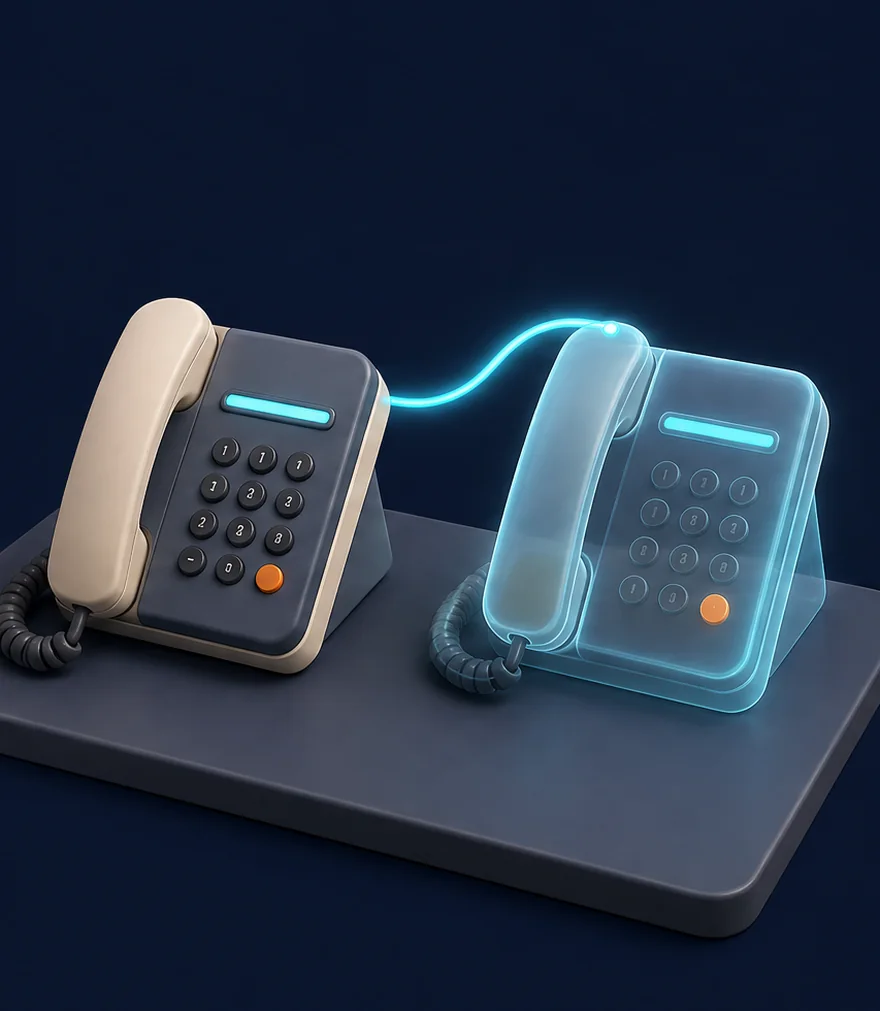
Illustration: two desk phones side by side, one a glowing shadow copy
Approved testing

Shadow

Use approved test scenarios first. Review eye-health questions, urgent signposting, failed handovers and privacy boundaries. Agree staff training and acceptance evidence.

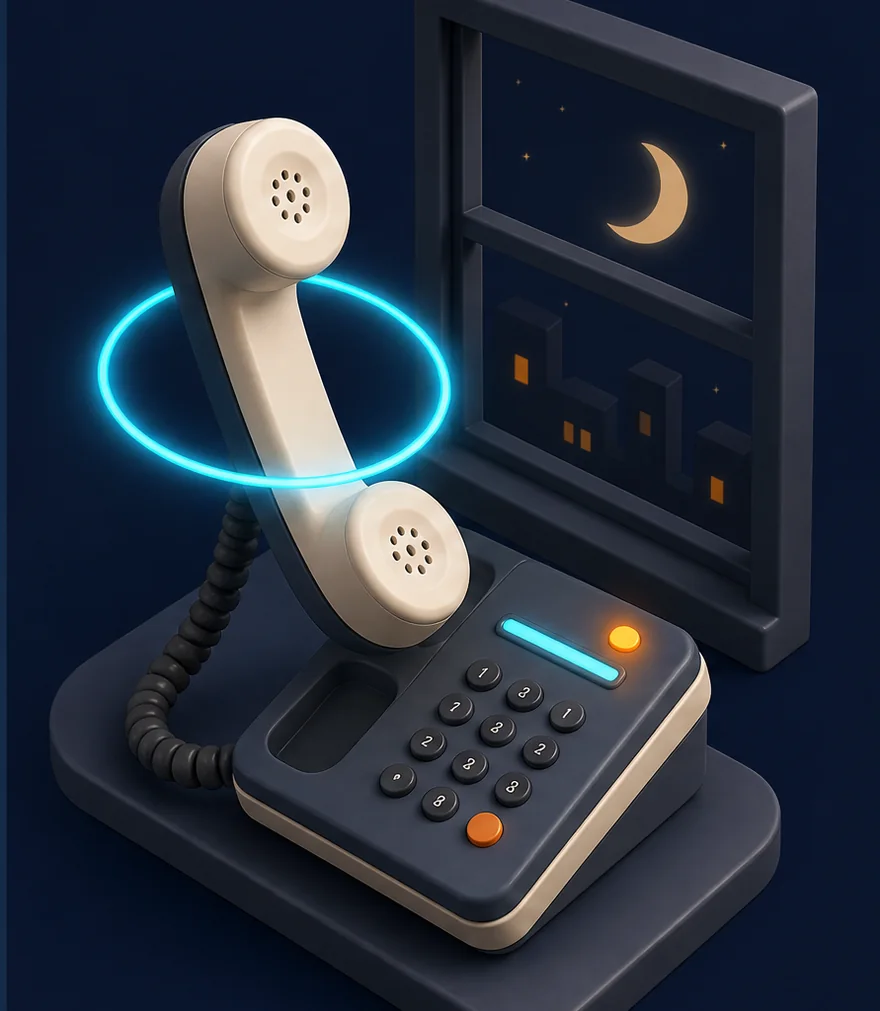
Illustration: a phone handset lifted off its cradle with a glowing ring, night window behind
After sign-off

Live

Live use starts only after your practice accepts the workflow and applicable clinical-safety, privacy, supplier and NHS assurance checks are complete. Keep monitoring and the off-switch.

7 days
free

Try the agreed workflow before expanding it. The seven-day trial begins after the required governance, clinical-safety, privacy and access checks are complete. Your proposal confirms scope, price and trial terms.

Start your 7 days →
Your standards, always

Your team. Your rules.
Always in control.

Illustration: a name badge on a lanyard with a robot emblem and a tick

Honest about being AI

Ask and it will always tell you it is AI, with a recording notice where used. Your practice approves the greeting, administrative scope and handover rules.

Illustration: a folder being handed from one person to another, a shield beside it

Optical professionals decide

Clinical assessment, prescribing, recall intervals and referrals stay with your optical professionals. The receptionist follows approved administrative scripts and human handover rules.

Illustration: a small vault with document folders inside and a padlock

Patient records, approved channels

Agree minimum data, lawful basis, any Article 9 condition, DPIA, processor terms, retention and secure channels before live use. A demo consent notice does not complete that review.

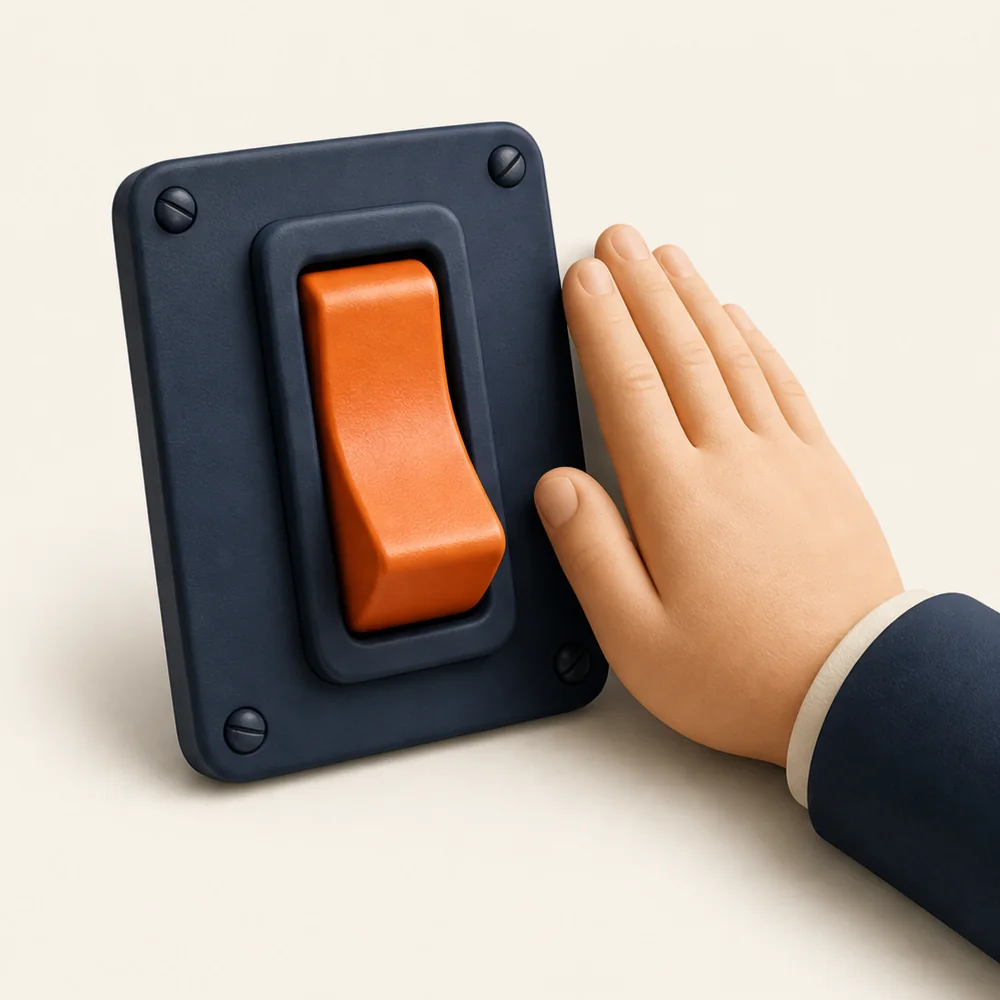
Illustration: a large orange toggle switch with a hand resting beside it

You hold the off-switch

Agree monitoring, incident handling, downtime fallback and a safe off-switch. Your practice retains professional accountability and reviews the service.

Research-informed, with practice sign-off. The scope reflects current GOC professional standards, NHS optical guidance, ICO DPIA guidance and NHS clinical-safety guidance. Your practice approves the purpose, scripts, accessibility, handovers and any applicable clinical-safety, privacy, DSPT and supplier-assurance requirements before patient use. This page does not establish compliance or NHS or GOC approval.
Before you start

A few sensible questions.

Updated

Let's map your practice

Give the next enquiry
a better first impression.

Bring your phone setup, PMS and current service list. We’ll scope one administrative workflow and agree the governance, clinical-safety, privacy and access checks before any patient-facing trial.

Start your free 7 days

For optical practice teams only: your business contact details and optional practice-software choice. Do not include patient, prescription or health information. MotionFlow rings you within one working day to book a 30-minute set-up call.

What's the biggest headache?
A few details. No spam, ever. Processed in line with UK GDPR.

Got it. We'll ring you.

Within one working day, on the number you gave. If you'd rather not wait, message MotionFlow on WhatsApp now.

Seven days. Your number.

See what your front desk
has been missing.

Overflow and out-of-hours on your existing line, answered by a receptionist who knows your practice. First 7 days free. Switch it off whenever you like.

7days to try it
£0for the first week
24/7evenings and weekends
UKbuilt and supported
Your personalised demo

Hear your practice's receptionist

Enter your practice name, then try a fictional administrative enquiry with Olivia. No patient care, prescription action or real booking is arranged.

For optical practice teams exploring MotionFlow. Use fictional details only, with no prescriptions, symptoms or patient identifiers. Entering a practice name personalises this demo only; it does not submit a sales enquiry. Privacy notice.

Live demonstration · Ash & Vale Opticians

Talk to Olivia

Try a routine appointment or collection enquiry. Olivia is an AI demonstration for a fictional opticians in England. Use fictional details only. No clinical advice, real booking, referral or prescription action.

Before we connect you

Choosing “Allow and continue” loads the ElevenLabs voice widget, which may set a service cookie. Microphone access is requested only when you start a call. Conversations may be reviewed to improve the service. Use fictional details. This demo cannot assess or arrange care. For a real urgent eye concern, contact an optometrist or NHS 111 now. NHS guidance says sudden inability to see or sudden severe eye pain needs A&E or 999. Do not drive yourself to A&E.

Call started. Speak when you hear them.
Connecting…

Your browser may ask to use your microphone. Tap Allow.

A demonstration by MotionFlow for a fictional opticians. Conversations may be recorded.