AI receptionist for restaurants, bars, pubs & cafés

Every table booking, answered.
Even mid-service.

Round the clock

Phone and WhatsApp bookings handled in your venue's name, reminders that cut no-shows, and a Google review request after every visit. Your team stays on the floor; your phone stays answered.

Try WhatsApp Start your 7 days
Built & supported in the UK ICO registered · ZC214289 Your team stays in control
19:42
I
Isla · The Linden RoomAnswered in 2 seconds
The Linden Room, Isla speaking. Are you booking a table, or is it something else?
A table for four on Saturday, around half seven? One of us is coeliac.
Saturday at 19:30 is free. I'll flag the coeliac note so the team can talk you through the options.
Perfect, book it in please.
Table for 4 · Sat 19:30 · dietary note flagged
Illustrative booking journey
Call answeredConfirmed on WhatsAppFriday, 19:42
The moments your venue knows

Two missed moments.
One familiar problem.

Friday · 19:45
The phone rings.
Your host is seating a table.

Covers are arriving, a table wants the bill and someone's asking about the specials. The phone rings out, and a party of four books somewhere that picked up.

Sunday · 23:10
A birthday for twelve.
After you've closed.

Someone is planning a celebration late on Sunday night. A warm first response captures the date, numbers and budget while they're still deciding, before they try the place down the road.

That's the front desk this is built for
Calls picked up. Tables booked.

A calm first response in your venue's name, with bookings, large groups and private dining routed to the right person. Menus, deposits and allergen answers stay with your team.
Illustration: a restaurant table laid for service with a silver cloche, navy candles and an orange reserved card
More time for the guests in front of you. A warm first response for the next booking.Every table, looked after
Your receptionist

Your front desk,
run like your best host runs it.

Choose the voice, the name and the manner. We tune it to your venue, so every caller gets the welcome your best host would give, even mid-service.

  1. Choose the voiceBritish voices, warm to polished. Name it whatever suits your venue.
  2. Teach it your venueOpening hours, menus, table rules, group policy and how you like things said.
  3. Set the rulesWhat it never promises, when it hands over, and who gets the brief.
Talk or type · about two minutesRun a hotel? See MotionFlow for hotels

An honest answer whenever a caller asks whether it is AI, agreed recording notices and a clear handover. Allergen information, deposits, refunds and complaints stay with your team.

WhatsApp, 24/7

Your guests already live on WhatsApp.
Now your venue does too.

Sunday · 23:10
01

Guests message any time

A table request after work. A birthday enquiry at 11pm. A quick question about dogs on the terrace. One familiar place to start.

02

Replied in seconds

It answers from the information you've approved, asks the one question that matters and sets an honest expectation.

03

Your team takes over

A written brief lands in the shared inbox: who, what, how many and which team. Nothing gets lost on someone's personal phone.

04

Opted-in guests get reminders

Booking confirmations, day-before reminders and event follow-ups that help cut no-shows. Messages use the templates, timing and opt-out handling you approve.

Card details, deposits and refunds stay in your booking system or with your payment provider. The front desk never asks for card numbers on WhatsApp or over the phone.
Your systems, connected

Fits around how your venue works.
Nothing to rip out.

Keep your number, your booking system and your table plan. We map bookings, events and guest messages first, then agree the connections and handover rules.

What doesn't change
  • Your phone number. Guests dial what they've always dialled.
  • Your booking system. We hand into it; we don't replace it.
  • Who runs the floor. Your hosts and managers. Always.
  • Where guest data lives. Your booking system, with agreed access and data handling.
What does
  • A first response during service, after close and on bank holidays.
  • Enquiries arrive as briefs, not voicemails to decode.
  • Bookings reach your diary through the connection you approve.
  • Reviews, replies and alerts in one place, plus a Monday report.
01Where guests get in touch
Your existing phone numberNothing changes for guests. Overflow and after-hours calls simply route to the front desk.
WhatsAppYour business number, or one we provide. Table requests, events and agreed guest reminders.
Google Business Profile & websiteThe Call and Message buttons people tap after searching "restaurants near me" land here too.
02What the front desk does
MotionFlow front desk24/7
1
Answers promptlyOverflow calls and messages, mid-service or after you close.
2
Works out what they needA table, a large group, private dining, a question or a complaint. Date, numbers and dietary notes are captured.
3
Books, routes or flagsTables go through your booking system. Events go to your events lead. Complaints go straight to the manager.
4
Writes the briefWho, what, when and how many, ready before your team picks up.
03Where it lands — your tools
BOOK
Your booking systemTables go in against the availability, table rules and deposit settings you approve. Where there's no connection, your host gets a request to confirm.
TEAM
Host stand, events & managersBookings, large groups, private dining and complaints go to the person who should own them.
Google reviewsReview requests after every visit, replies drafted for your approval and instant alerts on poor feedback.
The Monday reportOne weekly summary for the general manager covering bookings, enquiries, reviews and follow-ups.

Choose your system to scope bookings, table rules and handovers.

Discuss my venue's setup
Before anything connects, we check:your booking-system plan
API access
table & deposit rules
approved data fields
who owns each booking

Product names and logos belong to their owners and are shown for scoping only. Connections depend on access, plans and permissions and are confirmed with you before anything is built. No vendor partnership is implied.

Google reviews, handled

More Google reviews.
Earned the honest way.

The best time to ask is the morning after a great meal. MotionFlow asks every guest, drafts a reply to every review in your voice and tells your manager the moment something needs putting right.

  1. 01

    Every guest, asked

    The morning after their visit, every guest gets a short, friendly WhatsApp or text with a one-tap link to your Google review page. Everyone gets the same invitation. No cherry-picking.

  2. 02

    A reply to every review

    Each new review gets a reply drafted in your venue's voice, picking up the dish or the occasion they mention. You approve it before it posts, or let five-star thank-yous go out on their own.

  3. 03

    Poor feedback reaches a manager, fast

    If a guest replies that something wasn't right, your manager is alerted straight away with the booking and contact details, so they can ring and put it right. The guest is still free to post a review.

  4. 04

    One weekly picture

    Every Monday you get new reviews, your rating trend, replies posted and anything still waiting for approval. It takes two minutes to read.
Built to Google's review rules and UK fake-review law.

  • Every guest gets the same invitation
  • No discounts or freebies for reviews
  • No fake, staff or bought reviews
  • Negative reviews are never filtered out

Google's policy bans asking only happy customers for reviews. The DMCC Act 2024 makes fake reviews and hidden incentives unlawful. We set the system up so you stay on the right side of both.

Your Google Business Profile, set up properly

How we set it up, in your first week.

Illustration: a restaurant shopfront under a brass magnifying glass with a MotionFlow tag01

Profile check

With the manager access you grant, we check your hours, menus, photos, categories and the call, message and booking buttons. The profile that earns the review should also earn the booking.

Illustration: a brass table clock on a MotionFlow base, chained to a gold star on a linen napkin02

Review link and timing

We link your Google review page to your bookings and agree when requests go out. Usually that's the morning after, never during the meal.
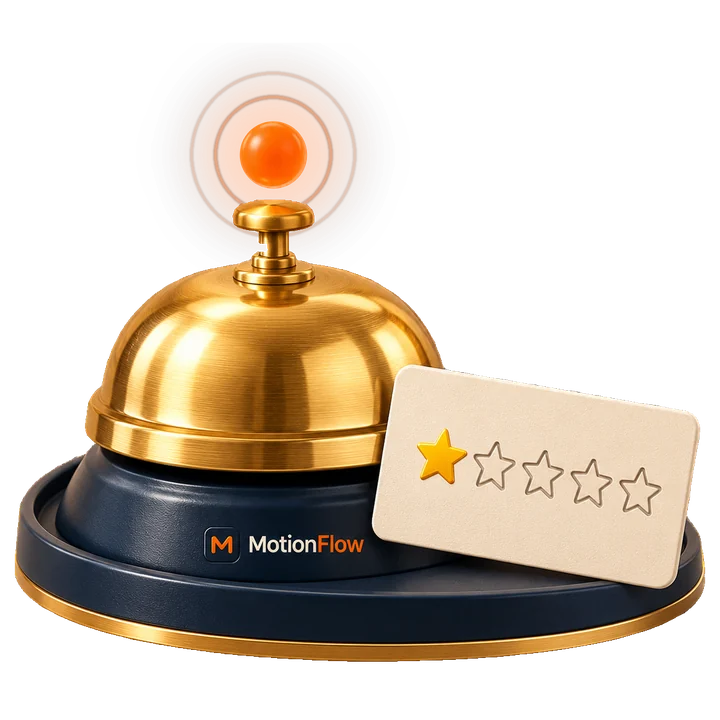
Illustration: a brass service bell with a glowing orange alert above it and a one-star card leaning on its MotionFlow base03

Alerts that reach a manager

You choose who hears when a guest says something wasn't right, and how: WhatsApp, text or email. The duty manager knows in minutes, not from Google next week.
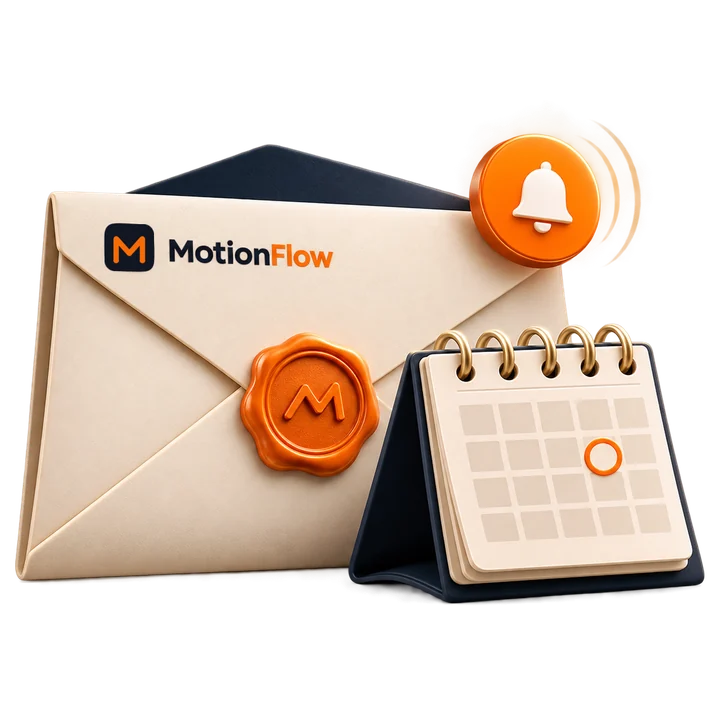
Illustration: a MotionFlow envelope with an orange wax seal, a notification badge and a desk calendar04

Your voice and the Monday report

We agree the tone, the sign-off and what never gets said, and you approve the first replies. The weekly report goes to whichever inboxes you pick.

Every Monday morning

Your week, in one email.
Before lunch prep starts.

Restaurants don't need another daily inbox. Anything urgent, like a complaint, a big group or a booking problem, reaches your manager straight away. Everything else arrives once a week: bookings taken, enquiries handled, reviews in and what still needs a person.

  • Bookings and covers, in one lineCalls, WhatsApps, tables booked and covers captured while your team was busy serving.
  • Events and private diningEvery large-group and private dining enquiry, with date, numbers, budget and who's following up.
  • Reviews and ratingNew Google reviews, your rating trend, replies posted and any still waiting for approval.
Weekly front desk report · illustrative exampleSent Mon 09:00
MFMotionFlow → the general manager, The Linden Room · Monday to Sunday
0
Calls answered
0
WhatsApps
0
Covers booked
0
New Google reviews
When guests got in touch · 209 contacts · 11:00 → 23:00
12:45 lunch rush 19:30 Friday service
11121314161718192123
Needs a person this week
Private dining. 60th birthday, 12 guests, Saturday 14th. Events manager to call Monday 10:00.
Feedback. Table 12 on Thursday said the mains were slow. Manager rang on Friday and invited them back.
Reviews. 18 new, rating 4.7 → 4.8. 16 replies posted, 2 waiting for your approval.
Reminders. 41 tables confirmed by WhatsApp. 3 cancelled in time and went back on sale.
Illustrative weekly report for a fictional venue.
The numbers

What missed calls
really cost a restaurant.

Three sliders. Your venue. Every assumption is written underneath.

0
covers lost a year
£0
illustrative annual takings

Scenario only: assumes 50% of missed callers don't ring back, 70% of those calls were booking requests and an average party of 2.5 covers. Takings before VAT and costs; not profit, a forecast or a promised result. Use your own figures when scoping.

Get your venue's real figures →
The service journey

The calls your venue knows.
A better way to handle each one.

01 / 06
01Table bookings

Booked on the call, not left on hold.

Capture the date, time, party size and any notes. Book against your approved availability, or take a request for your host to confirm.

Workflow
Host stand
02Large groups

Big tables, properly briefed.

Capture numbers, date, budget and the occasion. Your group policy on set menus, deposits and timings is applied exactly as you've written it.

Workflow
Manager
03Private dining

The high-value enquiry, never missed.

Birthdays, wakes, corporate dinners and exclusive hire. A full brief goes to your events lead with a callback already booked.

Workflow
Events
04Dietary needs

Noted carefully. Answered by your team.

The requirement is recorded against the booking and flagged for the kitchen. It never confirms a dish is safe. Allergen answers come from your trained staff.

Workflow
Kitchen
05Changes

Fewer empty tables on the night.

Day-before reminders and easy WhatsApp replies make it simple to change or cancel, so tables go back on sale instead of sitting empty.

Workflow
Reminders
06Complaints

The right person, straight away.

It captures what happened and when, apologises sincerely and alerts the manager to call back. The assistant never offers refunds or makes promises.

Workflow
Manager

Illustrative workflows. Booking rules, deposits and escalation routes are agreed with your team before launch.
A controlled start

Ready for your venue.
First 7 days free.

01 / 04
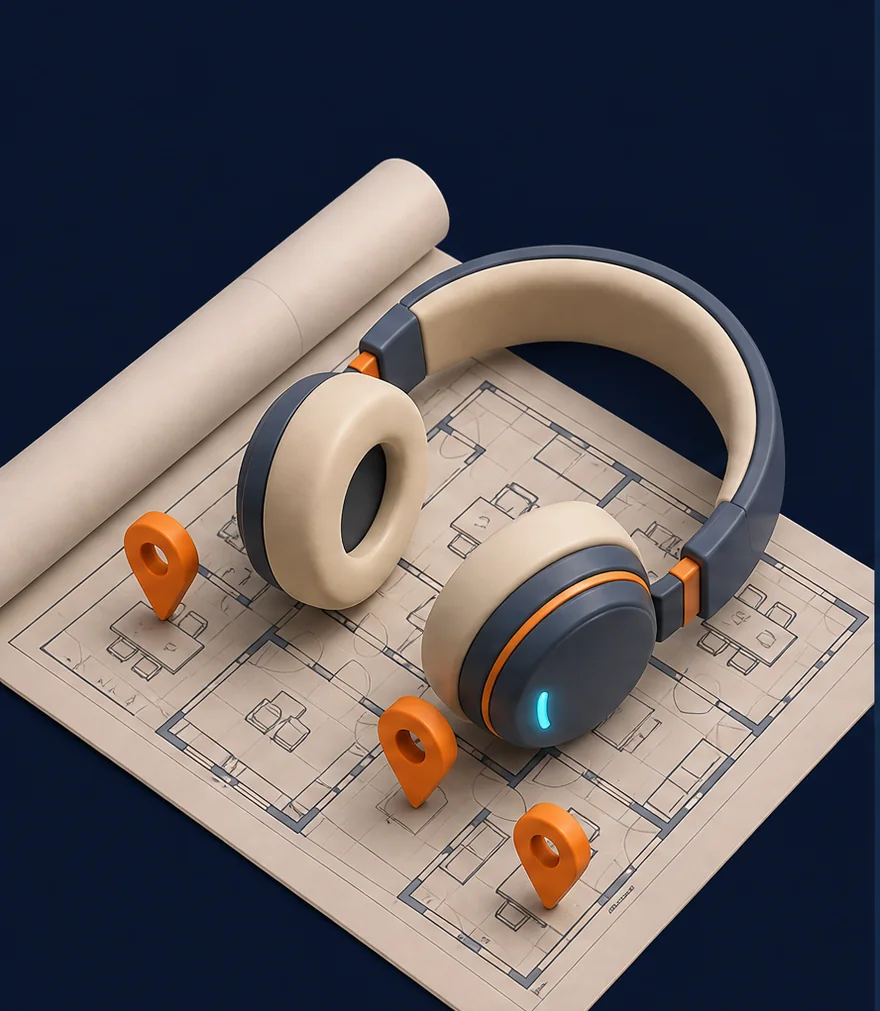
Illustration: headphones on a floor plan with location pins
Days 1–2

Listen

We map your phone setup, booking system, table rules and handover routes. We agree what the receptionist may say, and what it never says.
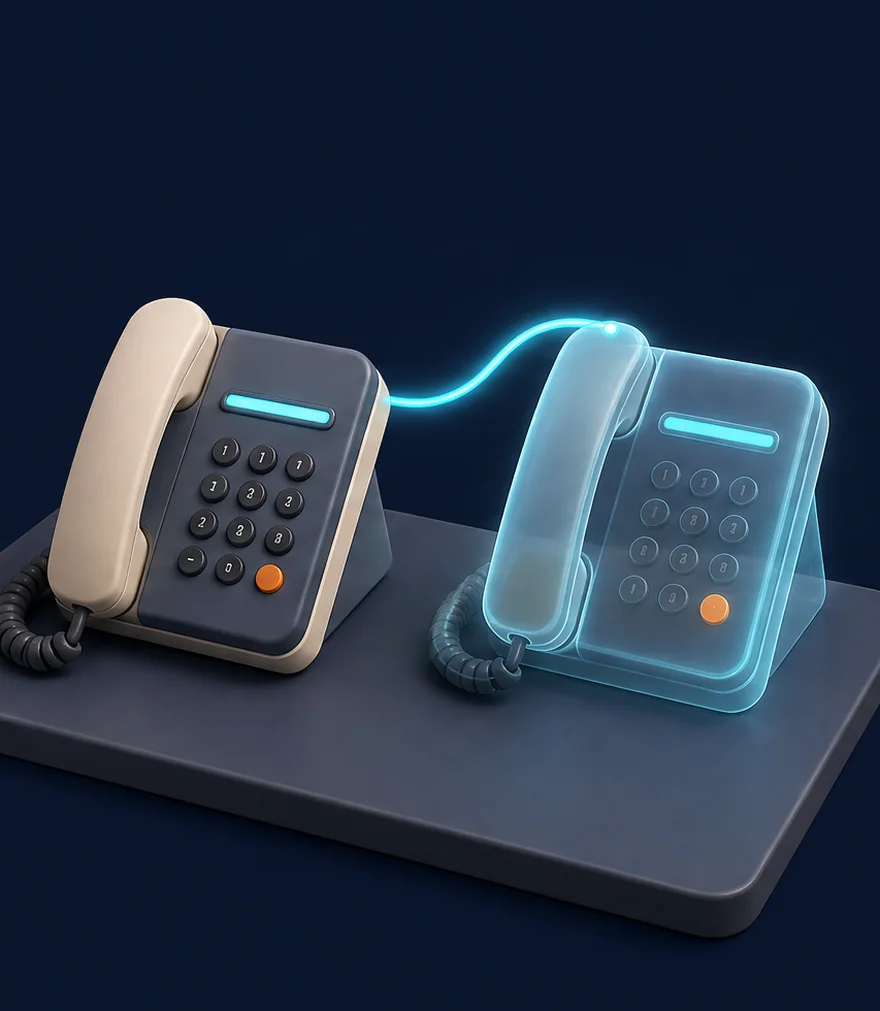
Illustration: two desk phones side by side, one a glowing shadow copy
Days 3–5

Shadow

The receptionist runs alongside your team on real scenarios. Every brief is reviewed, and scripts are tuned to how your venue actually speaks.

Illustration: a phone handset lifted off its cradle with a glowing ring, night window behind
Days 6–7

Live

Once you approve the pilot, overflow and after-hours calls go live on your number and review requests switch on. You keep the off-switch and see every handover.

7 days
free

Try the agreed workflow before expanding it. We confirm scope, access and trial terms first. You start with overflow, after-hours or reviews under agreed data processing terms, once you've signed off.

Start your 7 days →
Your standards, always

Your team. Your rules.
Always in control.

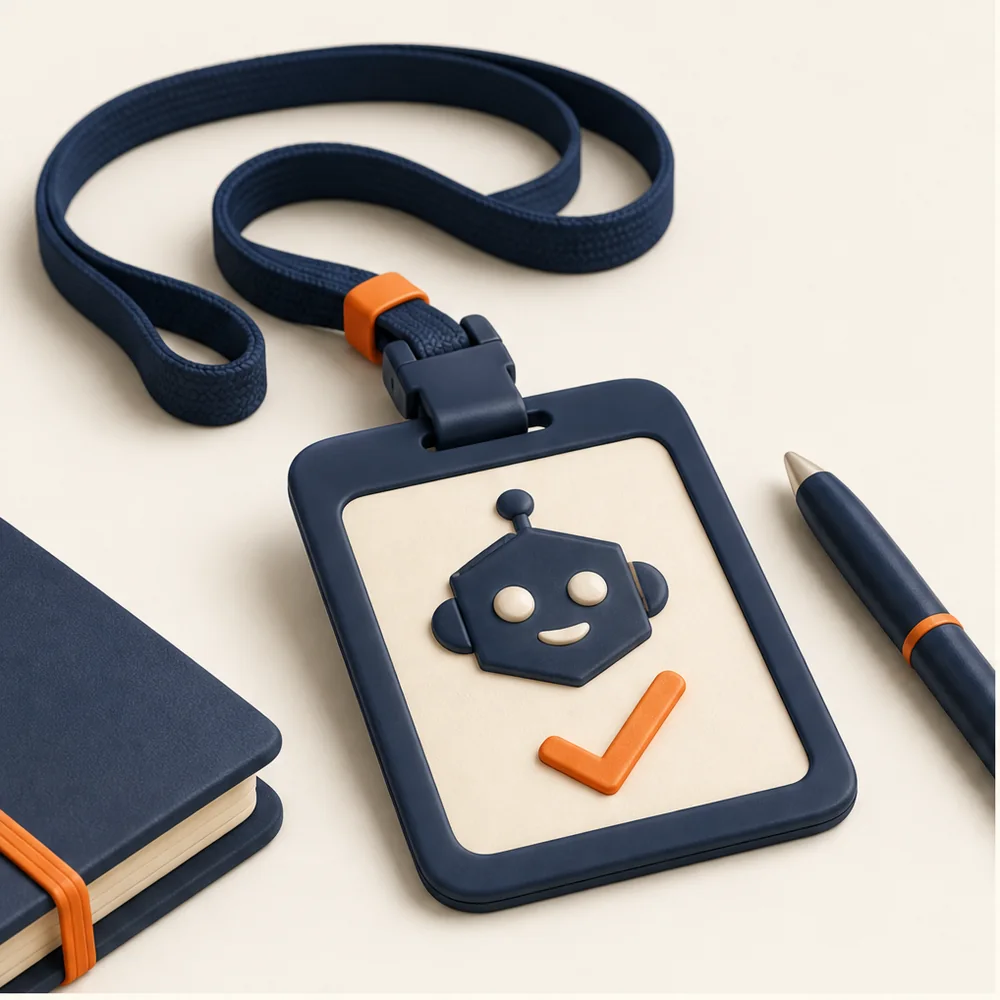
Illustration: a name badge on a lanyard with a robot emblem and a tick

Honest about being AI

Ask and it will always say it's AI, with a clear recording notice where calls are recorded. You agree the greeting and the handover rules.

Illustration: a folder being handed from one person to another, a shield beside it

Allergens stay with your team

It records dietary requirements and flags them for the kitchen. It never confirms a dish is safe or gives allergen advice. That comes from your trained staff.

Illustration: a small vault with document folders inside and a padlock

Guest data stays in your systems

Bookings live in your booking system. Card details and deposits stay with your payment provider. We agree data minimisation, access, retention and processor terms before the pilot.
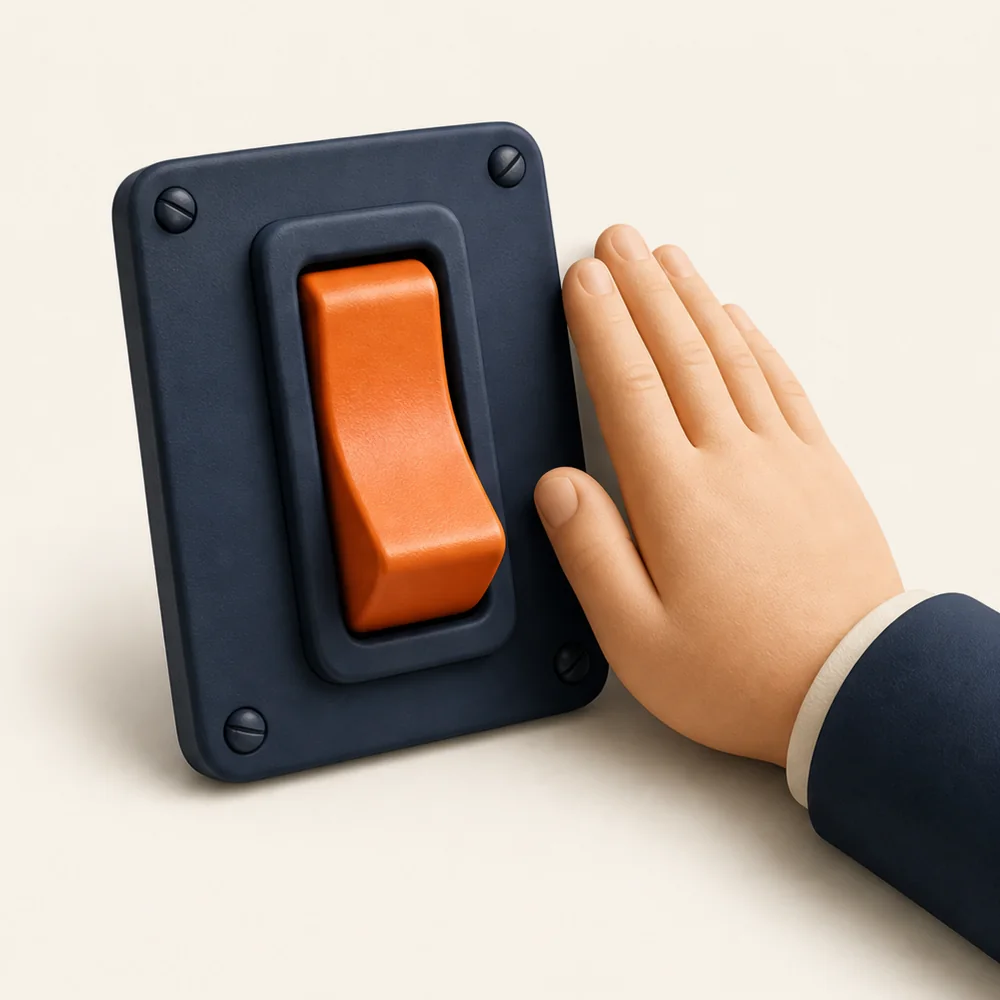
Illustration: a large orange toggle switch with a hand resting beside it

You hold the off-switch

Pause a line, change a script or pull a receptionist. It's your call, the same day. A safety net for your front desk, not a compliance guarantee.

Before you start

A few sensible questions.

Updated

Let's map your venue

Give the next booking
a better first impression.

Bring your current phone setup and booking system. We'll map one practical starting point, whether that's overflow, after-hours or reviews, and agree the checks for a controlled seven-day trial.

Start your free 7 days

Your contact details and, if you like, your booking system. MotionFlow rings you within one working day to book a 30-minute set-up call.

What's the biggest headache?
A few details. No spam, ever. Processed in line with UK GDPR.

Got it. We'll ring you.

Within one working day, on the number you gave, and outside your service hours where we can. If you'd rather not wait, message MotionFlow on WhatsApp now.

Seven days. Your number.

See what your front desk
has been missing.

Overflow and after-hours calls on your existing line, answered by a receptionist who knows your venue, plus a review request after every visit. First 7 days free. Switch it off whenever you like.


7days to try it
£0for the first week
24/7evenings and weekends
UKbuilt and supported
Your personalised demo

Hear your venue's receptionist

Enter your venue name, then try an illustrative conversation with Isla. No real booking is made.

For restaurant, bar, pub and café owners exploring MotionFlow. Use fictional guest details. Entering a venue name updates this demo only; it doesn't submit a sales enquiry. Privacy notice.

Live demonstration · The Linden Room

Talk to Isla

Try a table booking, a large group or a private dining enquiry. Isla is an AI demonstration; use fictional details. No real booking is created.

Before we connect you

Starting the call loads the ElevenLabs voice widget, which uses your microphone (only during the call) and sets a cookie. Conversations may be reviewed to improve the service. Use fictional details. This demo doesn't give allergen advice, take payments or create real bookings.

Call started. Speak when you hear them.
Connecting…

Your browser may ask to use your microphone. Tap Allow.

A demonstration by MotionFlow for a fictional venue. Conversations may be recorded.