








Skip to content
From first contact to team handover

Capture enquiries.
Keep the work moving.

See what happens when someone gets in touch, what MotionFlow can handle, and what your team gets back.

  1. Give every enquiry a next step.

    A family can call, message or use your website to ask about care, request a visit or leave details for a callback.

  2. Spend less time chasing.

    Answer approved questions and send agreed reminders for missing timesheets, forms or applicant details.

  3. Send the right details to the right person.

    Give the coordinator or recruiter a clear summary and next action. Your team handles exceptions and makes the decisions.

Home Care

One enquiry. A clear next step.

See the incoming request, the repeat steps the workflow can handle and the handover your team receives.

Change setting
On-call & rotaIllustrative example
Clay mobile phone with an alert bell and a clock
Incoming
20:04 · Incoming

A carer hasn’t arrived

“Mum’s evening visit was due at eight.”

Editable business case

See where the time and opportunity go.

Start with the enquiries that go unanswered, then the admin time your team gets back.

Example figures · edit to suit your business

Illustrative scenarioMonthly view
£1,000

Potential monthly contribution opportunity

New clients in your model1/month
Missed enquiries × share won × contribution
See the assumptions

Admin capacity = tasks × minutes ÷ 60 × the share you expect to handle × 52 ÷ 12. Capacity value uses your hourly input and is separate from a cash saving. Enquiry opportunity = missed enquiries × the share that become clients × contribution per new client. Workflow costs, actual take-up and operational exceptions are outside this model.

These are editable estimates. Measure actual time saved and enquiry outcomes during a scoped trial.

Care and safeguarding decisions, staffing cover and verification stay with authorised people. Booking and messaging depend on the connections and rules you approve.

Past-enquiry recovery

Pick up conversations that went quiet.

Review who you can contact, agree the wording and give each reply a clear next step.

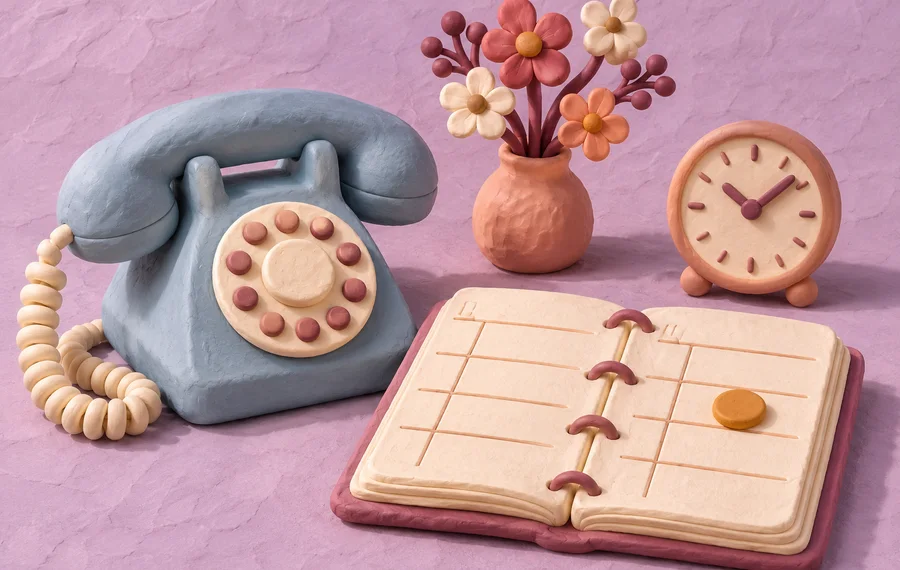
Clay telephone and teacups on a care home side table

Past family enquiries

Pick up an earlier enquiry with a discreet check-in and give the family a way to ask for a tour, assessment or callback.

Read an example message
“Hello, it’s the team you spoke with recently. Would you like us to arrange a time to talk?”

Show me a family follow-up
Clay smartphone with message bubbles beside an applicant folder

Stalled carer applications

Find out who is still interested, record their availability and give your recruiter a clear list of replies to review.

Read an example message
“Hello, it’s the recruitment team. Are you still interested in the care role? If so, let us know when you’re free for a call.”
Show me an applicant follow-up
For care businesses

Talk through your care workflow.

We’ll discuss where the admin builds up, what your systems can support and what you’d like to measure.

  • Agree the first workflow to test
  • Keep your team’s approval and handover rules

Your selection · Home Care · On-call & rota

Business details only. Keep care records and applicant documents in your approved systems.

07915 920766Clay mobile phone with an alert bell and a clock
MotionFlow Care

Ask about the free 7-day trial

Contact preferences